 ToDo
ToDo 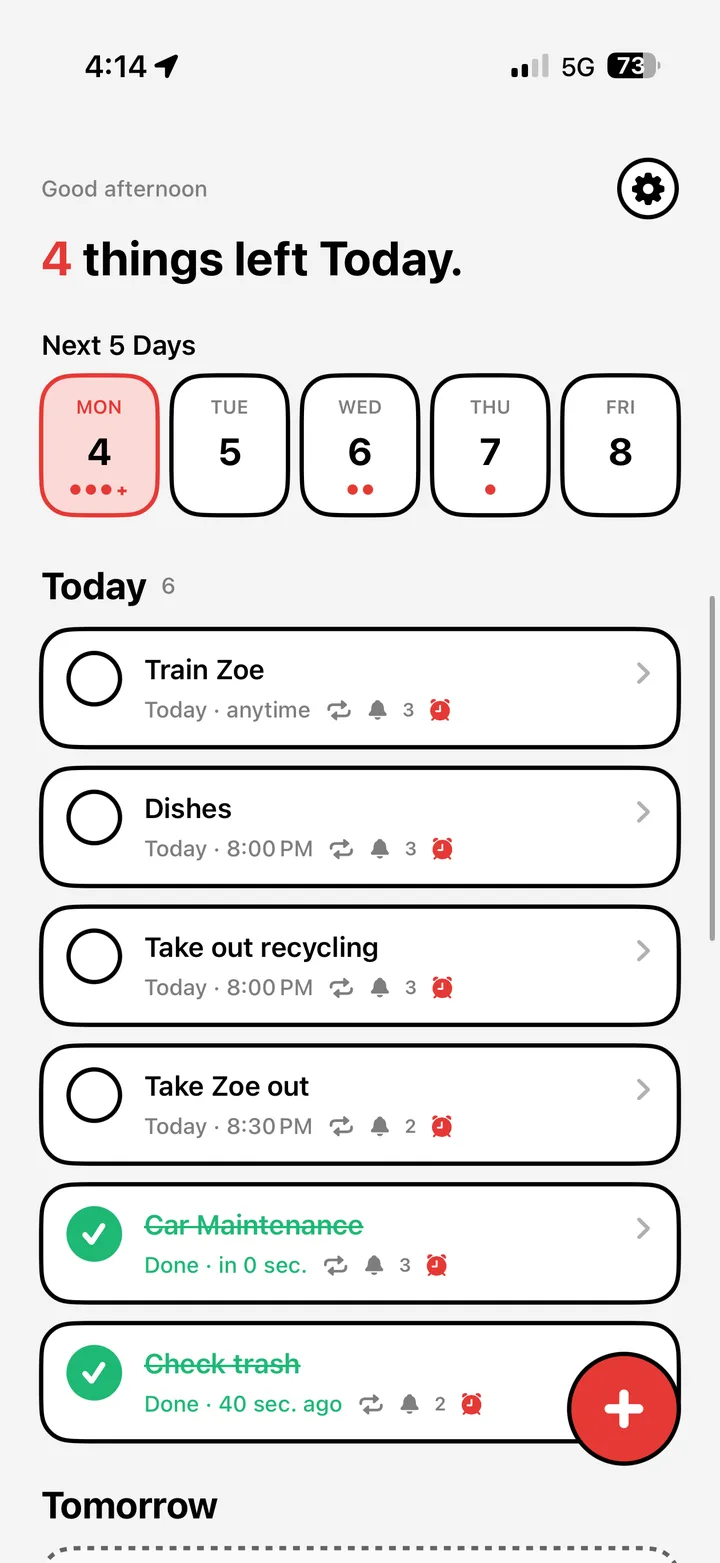

1
Add a task. Set a time.
Jot down what you need to do — "6 AM run", "Call mom", "Wash dishes" — and pick when it should ring. Anything overdue floats to the top in red.
ToDo Alarm turns your to-do list into wake-up calls. Schedule tasks with smart, persistent alarms that won't let you snooze your day away. Snooze, reschedule, or finish tasks right from the lock screen.
Jot down what you need to do — "6 AM run", "Call mom", "Wash dishes" — and pick when it should ring. Anything overdue floats to the top in red.

Alarms ring through Silent and Focus modes thanks to Apple AlarmKit. Snooze 5 minutes, or slide to stop straight from the lock screen — no quietly-dismissed reminder this time.
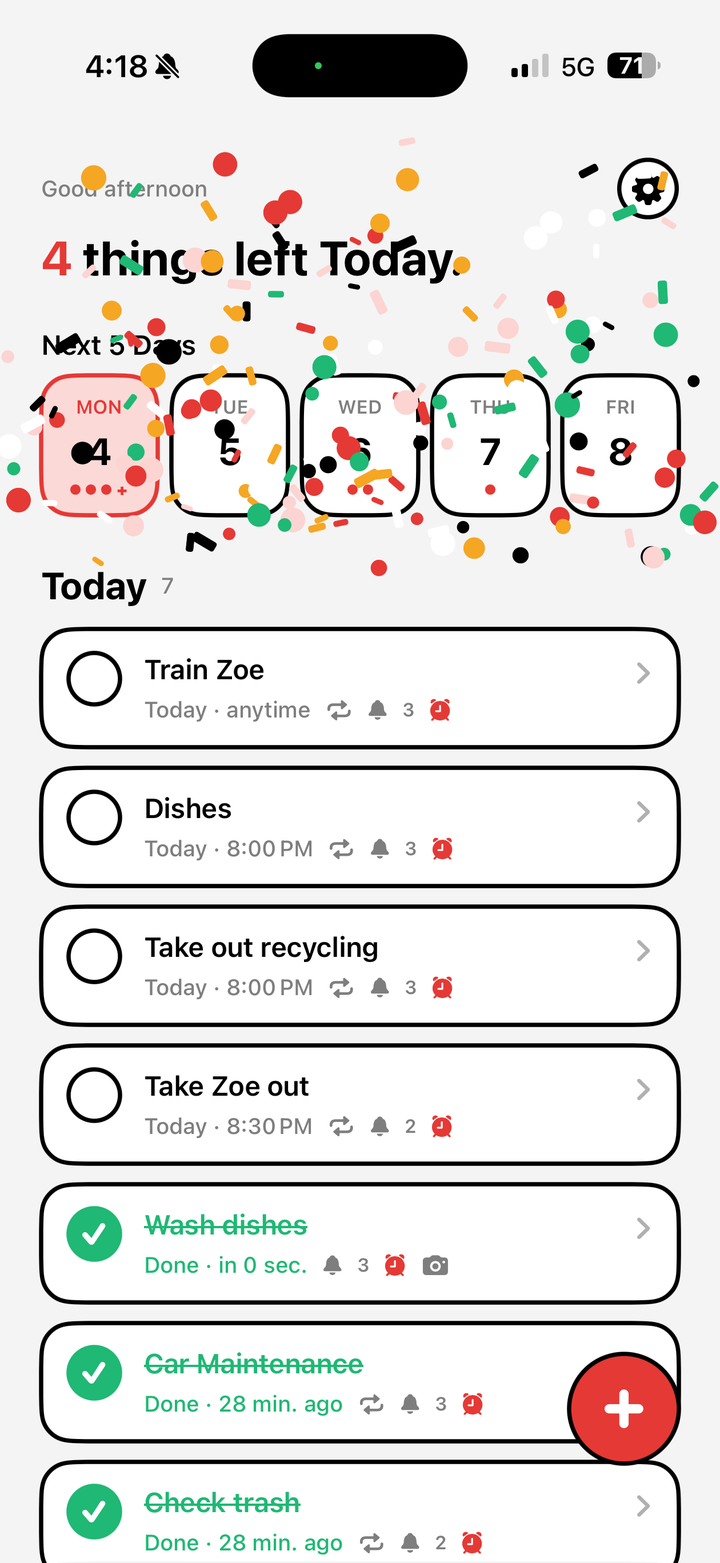
Mark a task done and watch the confetti fly. Build streaks, conquer mornings, and finally hit that 6 AM run.
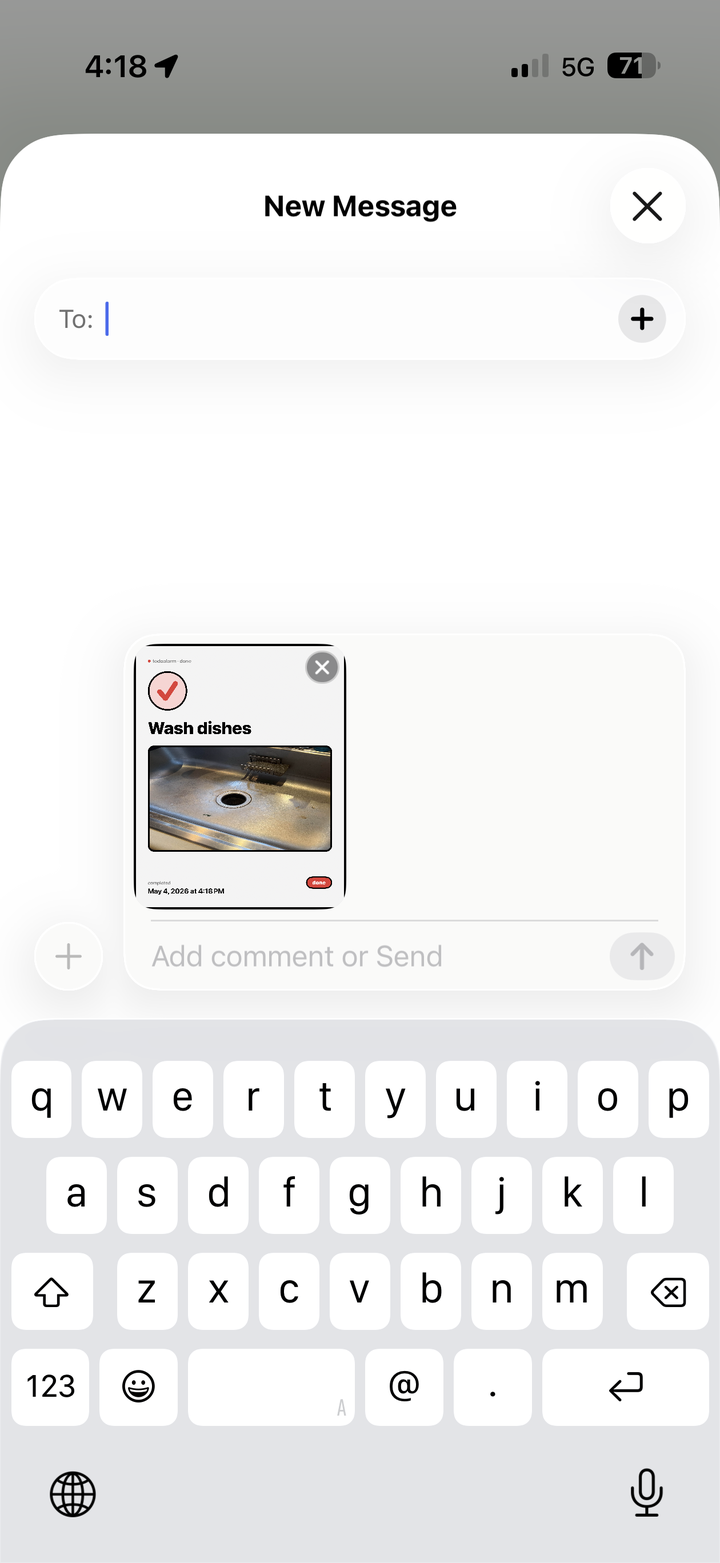
Some tasks need receipts. Tap Prove It to attach a quick photo — a clean sink, an empty inbox, the trail you ran — and share it as a Done card to anyone in iMessage.

AlarmKit lets your tasks break through the volume slider and Focus modes — like a real alarm clock.
5, 10, or custom — pick a snooze that actually nudges you, not one that lets you sleep until lunch.
Hit your morning task three days running and watch the streak grow. Miss it and it's gone.
No account. Tasks live on your iPhone. Optional iCloud sync uses your private container.
Reminders sends notifications, not alarms. If your important tasks have ever passed silently, here's the architectural reason — and the fix.
For nearly two decades, only Apple's Clock could ring through Silent. iOS 26 changed that. Here are the first apps using AlarmKit.
Standard alarm apps habituate fast. Here's how to pick an iPhone alarm app for ADHD based on the symptom you're solving for.